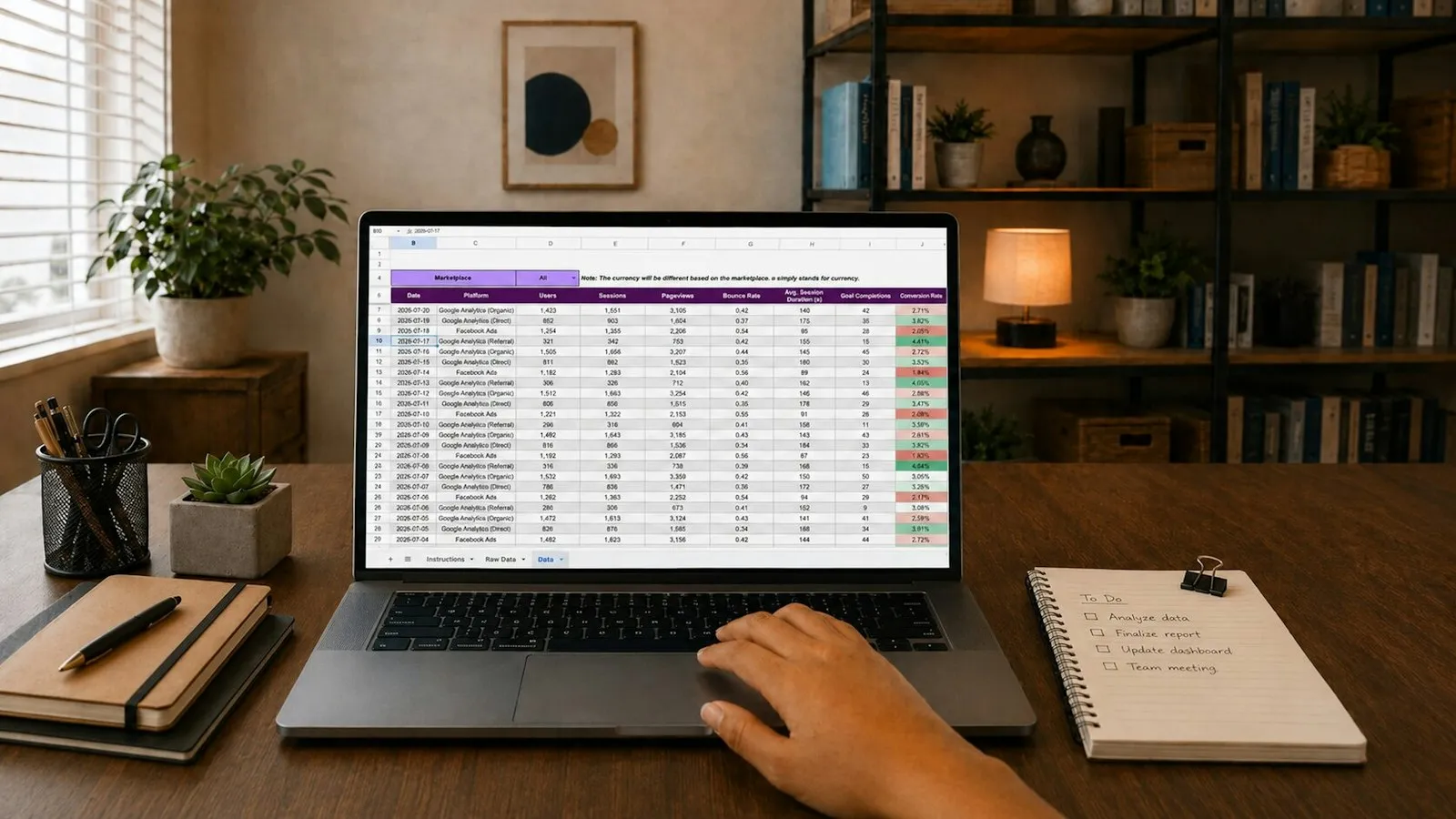
Most small settings start with a spreadsheet, and for good reason: it is free, familiar and flexible. The trouble is that it rarely announces when it has stopped working, so you only notice when a register goes missing, a report takes a whole afternoon or two people are working from different versions of the same file.
A spreadsheet is fine while one person owns the data and questions are simple. It is time to switch to a pupil database when several people edit records, you run more than one site or timetable, you report attendance to commissioners regularly, or you cannot say with confidence who can see sensitive information.
What does a spreadsheet do well?
It is worth being fair to spreadsheets. They are genuinely good at:
- Getting started. No procurement, no training, no contract.
- Flexibility. Add a column whenever you need to track something new.
- One-off analysis. Sorting, filtering and quick totals are easy.
- Small, stable groups. A handful of pupils with the same timetable every week.
If that describes your setting today, you may not need to change anything yet. The rest of this article will help you spot when that stops being true.
What is a pupil database, and how is it different?
A pupil database (sometimes called a management information system) stores each pupil once and links everything else to that single record: their timetable, registers, contacts, medical notes and reports. Instead of copying a pupil’s name into five tabs, you look up one record and see it all.
The practical differences are:
- One source of truth. No “final_v3_REAL.xlsx”.
- Structure. Fields are consistent, so reports actually add up.
- Permissions. Staff see what their role needs, not the whole file.
- Built-in routines. Registers come from the timetable rather than being retyped each week.
What are the signs you have outgrown your spreadsheet?
Run through this list honestly. If three or more ring true, it is probably time to look seriously at a switch.
- More than one person edits the file. Shared editing is where overwritten cells and conflicting copies creep in.
- You keep a separate tab or file for each site, group or week. Every copy is another place for errors.
- Registers are typed up after the event. If attendance is written on paper and entered later, it will be incomplete at the worst possible moment.
- Reports take hours. Working out attendance against entitled hours for a commissioner should not mean a morning of formulas.
- Sensitive details are mixed in with everything else. Medical needs, allergies or Looked After Child status sitting in a column anyone can scroll past is a real safeguarding and data protection concern.
- You cannot say who has a copy. Files emailed to staff, saved on laptops or printed and left in bags are hard to account for under UK GDPR.
- A key person going on holiday causes panic. If only one person understands the formulas, the spreadsheet is a single point of failure.
What does this look like in a real setting?
Picture an alternative provision provider with 40 pupils across two sites. Each site keeps its own spreadsheet. Pupils are referred by three local authorities and a handful of schools, several arrive by taxi, and about half are on part-time timetables.
On Monday, the office manager copies last week’s register tab, updates the names by hand and emails it to both sites. Tutors fill it in when they remember. On Friday, one site’s file has been saved over by an older copy. At half term a local authority asks for attendance against each pupil’s funded hours, and the manager spends two days reconciling tabs, chasing staff and double-checking formulas.
Nobody did anything wrong. The spreadsheet simply was not designed for multiple sites, multiple editors and regular reporting. A pupil database would hold one record per pupil, build the registers from a shared timetable and produce the commissioner report directly from what staff recorded on the day.
What does switching actually involve?
The biggest job is not the software; it is your data. A sensible approach:
- Decide what you really use. Many spreadsheets carry columns nobody has filled in for a year.
- Clean before you move. Remove duplicates, fix spelling of names and agree one current record per pupil.
- Set up your lists. Absence reasons, referring agencies, year groups and similar dropdowns should match how you already work.
- Build the timetable. Registers usually depend on it, so it comes before attendance.
- Run in parallel briefly. A week or two alongside your spreadsheet builds confidence, then stop updating the old file.
- Archive the old spreadsheet securely. Keep it only as long as your retention policy says, and restrict who can open it.
Our guide to moving off spreadsheets walks through each step in more detail.
What should a switch cost?
For small settings, cost is usually the deciding factor. Watch for per-pupil pricing, which can penalise you as you grow or when numbers fluctuate through the year. Also check what is included: training, support, updates and data export should not all be extras. Compare the cost against the hours your team currently spends on retyping registers and building reports; for many settings that time is the hidden price of staying on a spreadsheet.
How PupilDB helps
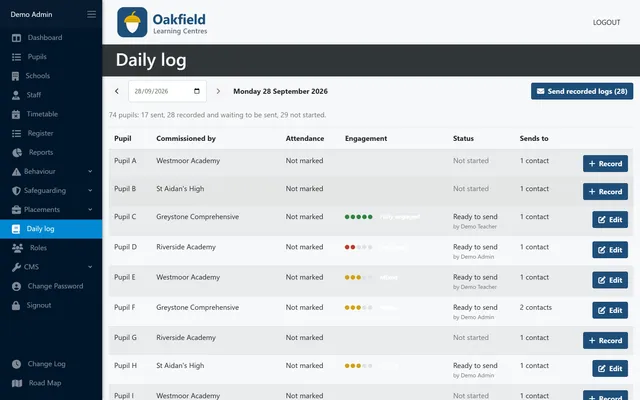
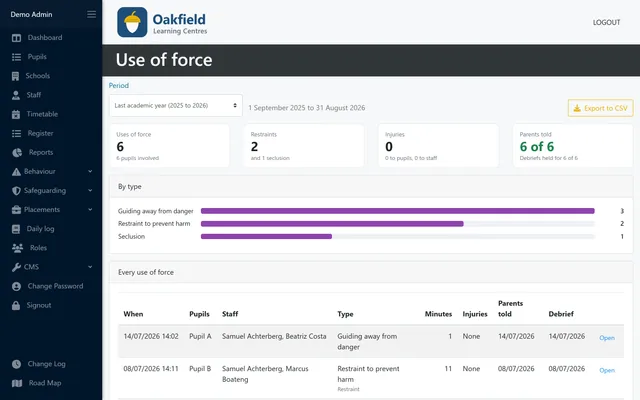
PupilDB gives each pupil one record, with medical notes, allergies shown in red, SEN/ALN, parent/carer, taxi, local authority and entitled hours all in one place. Registers are built from a multi-centre timetable with double-booking protection, and reports such as attendance against entitled hours come straight from what staff record. Pricing is flat, from £150 a month plus VAT, and never per pupil. You can read more on our pupil records and pricing pages.