Two changes to PupilDB make the start of the day quicker and keep information with the right people: a dashboard you see the moment you sign in, and roles and permissions.
The dashboard: what needs doing, at a glance
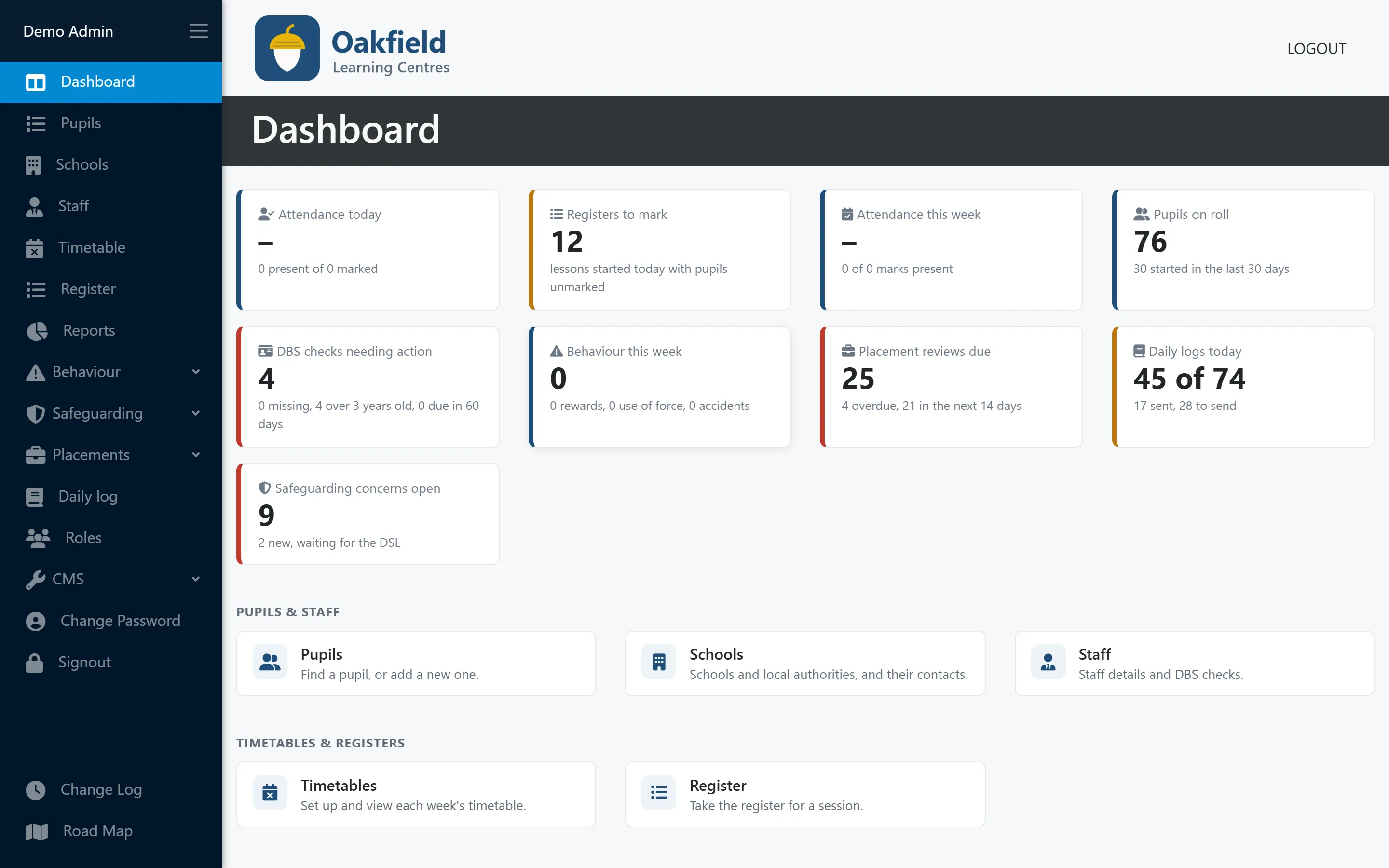
When you sign in, PupilDB now shows live tiles for:
- attendance today and the number of registers still to mark
- attendance this week
- pupils on roll, and how many started recently
- DBS checks needing action, for administrators
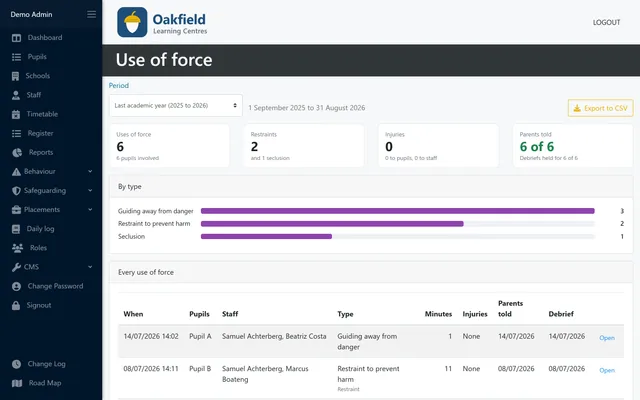
- behaviour this week: incidents, rewards, use of force and accidents
- open safeguarding concerns, for your DSL, including any new ones waiting for them
It answers the first questions of the day without opening a single report. If registers haven’t been marked by mid-morning, you’ll see it straight away.
Roles and permissions: decide who sees what
Administrators and teachers still have the access they always had. On top of that, you can now create your own roles for behaviour and safeguarding, and choose exactly what each one can do:
- record incidents, view the incident log, or manage it
- record and view use-of-force records, which you may want to keep to senior staff
- raise safeguarding concerns, view them or manage them
For example, a Staff role that can record incidents and raise safeguarding concerns, but can’t see other people’s concerns, and a DSL role that sees and manages every concern.
Safeguarding is the important one. By default, only people in the DSL role see concerns, not even other administrators. The dashboard follows the same rules: each person only sees the tiles their role allows.
How PupilDB helps
The dashboard and roles are included in every PupilDB plan at no extra cost. Continuous improvement is part of your monthly fee, and customer feedback shapes what we build next. See what else is on the roadmap, or book a demo.